Key Takeaway
Automate CIS, mileage and subcontractor payments for UK painters & decorators in 2026. Step-by-step guide included.
Monday to Wednesday, you repaint a semi for a homeowner who pays you directly — no deductions, no paperwork beyond a normal invoice. Thursday and Friday, you're on a new-build site painting show homes for a housebuilder, working as a subcontractor to their main contractor. That second invoice comes back 20% short, because the contractor has deducted it under the Construction Industry Scheme before you've even seen the money. Two jobs, five days, two completely different sets of rules. Muddle them in your own books and your tax return at year end isn't roughly wrong, it's genuinely incorrect — either overstating what you owe HMRC or understating what you're entitled to claim back.
That collision — domestic work paid gross, site work paid net of CIS — sits at the centre of a decorator's back office, and generic trades admin advice rarely mentions it, because few trades cross that line as often as decorators do. Add the mileage between five postcodes in a week and a glovebox of till receipts from three different merchants, and the admin is small in each piece and substantial in total. This article automates all three.
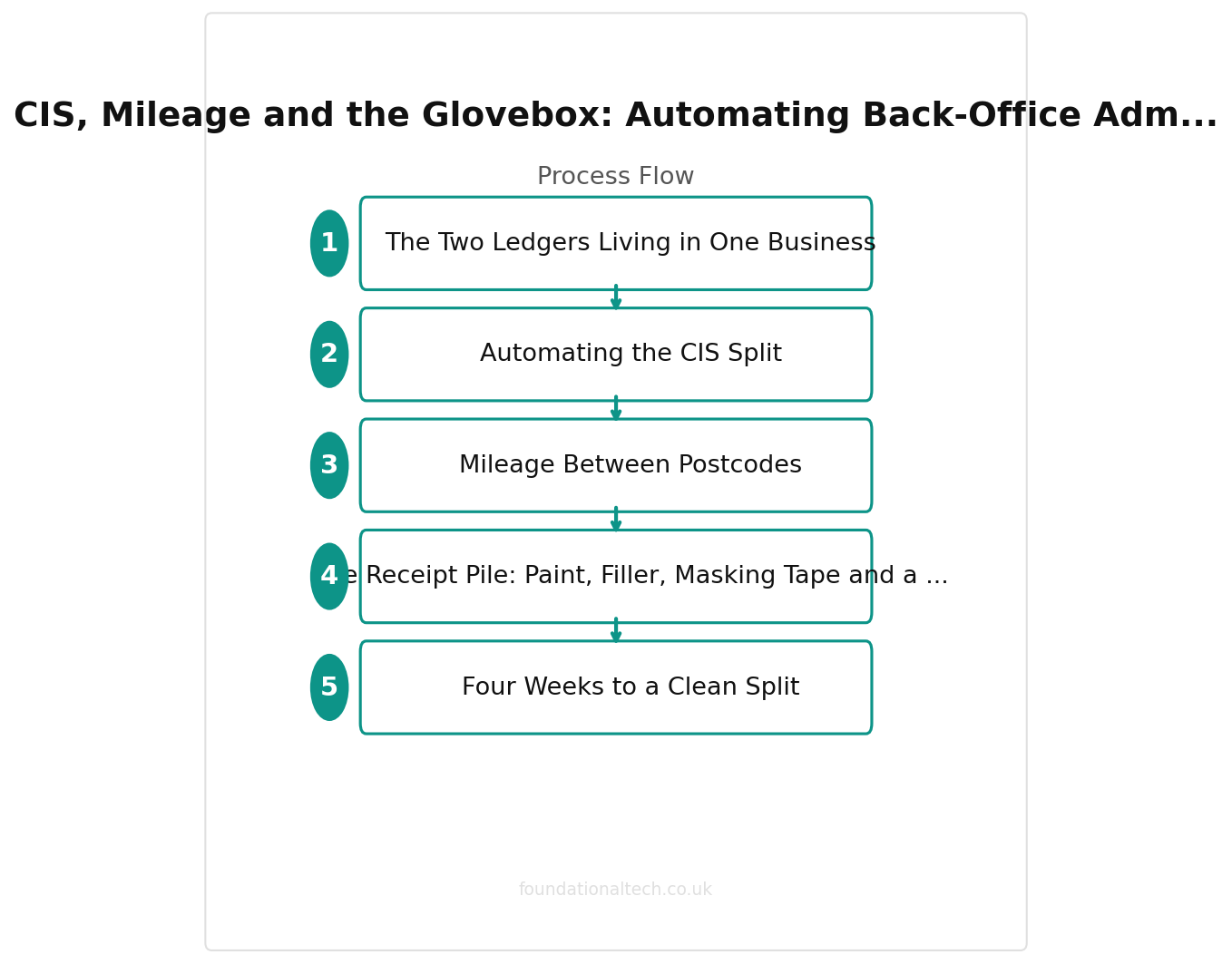
The Two Ledgers Living in One Business
The rule is simple to state and easy to get wrong in practice: decorating a building falls within CIS whenever you're working for a contractor — a housebuilder, a main contractor on a refurbishment, a fit-out company. Invoice a homeowner directly for their own home and CIS doesn't apply at all.
Most sole trader and small-team decorators do some of both. A private client base pays the bills for most of the year; a relationship with one or two local builders or housebuilders fills the diary during quiet stretches, on-site, under CIS. The problem isn't understanding the rule — most decorators can recite it. The problem is that when you're doing both in the same month, it's very easy to record a CIS deduction against the wrong job, or forget one entirely, because your invoicing habits don't naturally separate the two.
Get it wrong in one direction and you understate the tax you've already had deducted at source, meaning you overpay when you file. Get it wrong in the other and you risk a discrepancy between what a contractor reports to HMRC as deducted from you and what your own books show. That kind of mismatch triggers a query — not a criminal matter, but an afternoon you don't have spare, explaining paperwork that should have sorted itself.
Automating the CIS Split
The fix isn't a second spreadsheet. It's flagging the distinction once, at the point each job is created, so the software carries the difference for you.
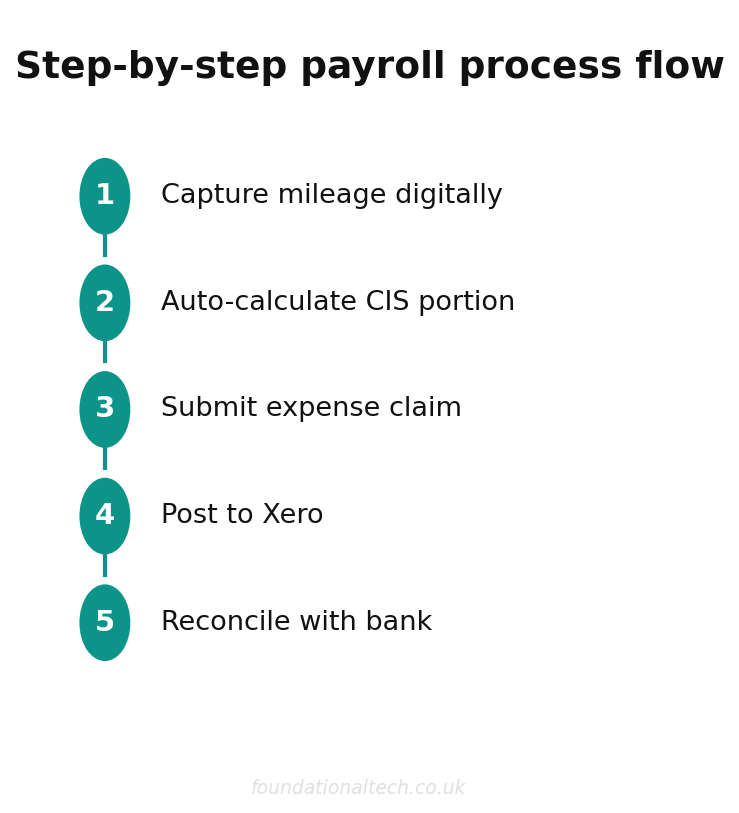
In Xero, tag every subcontract site job as CIS-liable the moment you set it up, distinct from your standard domestic invoices. Once flagged, Xero calculates the deduction the contractor will apply: 20% for a registered subcontractor, 30% if you're not registered, nothing at all if you hold gross payment status. It then tracks the money as tax already suffered, ready to offset against your bill at year end. Your domestic invoices sit untouched in the same ledger, VAT-rated normally, no deduction applied, no confusion between the two when you're looking at your accounts on a Sunday evening.
Gross payment status is worth pursuing if you do enough contractor work to make the 20% deduction a genuine cash flow drag. It requires a clean compliance history — VAT and Self Assessment filed and paid on time — and HMRC reviews it periodically. From April 2026, HMRC also has stronger powers to remove gross payment status immediately from any business it believes knew, or should have known, it was part of a non-compliant supply chain further up the contractor chain. Gross status, in other words, is a privilege tied to the whole chain's compliance, not just your own paperwork — worth checking your main contractor's standing before you commit to a large site contract.
If you take on your own subcontractors — a second decorator, a labourer for prep-heavy jobs — the same scheme runs in the other direction. Verify them with HMRC before the first payment, deduct at the correct rate, and file the monthly CIS return by the 19th. Xero handles the verification, the deduction and the return assembly in the same place it tracks what's been deducted from you, so the scheme going both ways doesn't mean running it twice.
Mileage Between Postcodes
A decorator's week rarely looks like a single site. It looks like a quote in one postcode, a job in another, a trade counter run to a third, and a second job across town in the afternoon — a driving pattern closer to a sales rep's than a single-site tradesperson's. Every one of those miles between jobs is an allowable business cost, and it's the expense decorators lose most often, because nobody hands you a receipt for a drive.
20%
CIS deduction rate — applied automatically on every subcontractor payment
The HMRC approved mileage rate for a car or van is 45p per mile for the first 10,000 business miles in the tax year, dropping to 25p per mile beyond that. This rate has been frozen since 2011, but claiming it consistently across a year of short hops between postcodes still adds up to a meaningful deduction.
The fix is to record the mile while you're still in the van, not from memory at month end. Either let a tracker app log the trips by GPS in the background, or note the start and end postcodes against the job in your quoting app before you pull away. Both approaches build a running total your accountant can use directly, or that you can claim through Xero yourself. Reconstruct a year's driving from memory in December and you will underclaim — it's the short hops to Toolstation for one roll of masking tape that vanish first.
The Receipt Pile: Paint, Filler, Masking Tape and a Hundred Small Things
A decorating job doesn't generate one large materials invoice the way a boiler install or a kitchen fit does. It generates a scatter of small ones: two tins of trade emulsion from Dulux Decorator Centre, filler and sandpaper from a builders' merchant, masking tape and dust sheets from a hardware shop, a specific brush for cutting in from wherever had it in stock. Each receipt is small. Across a busy month running eight to twelve jobs, they add up to a genuine pile — and every one represents VAT you're entitled to reclaim if you're registered, or a legitimate cost reducing your tax bill if you're not.
Dext (£24/month on the Sole Trader plan) is built for exactly this scatter. Photograph the till receipt while you're still at the counter — before it goes into an overalls pocket to fade against a radiator or dissolve in the wash — and Dext pulls out everything Xero needs: who you paid, when, how much, and the VAT element, filed against the right expense code without you typing a line. Decorating makes the at-the-counter habit non-negotiable in a way other trades' paperwork doesn't. A boiler manufacturer's invoice arrives by email and waits patiently in an inbox; a thermal-paper receipt for two tins of emulsion is unreadable by Christmas.
Where this connects back to the trade account: your Dulux, Crown or Leyland statement arrives as one lump monthly bill, but the individual purchases behind it were made against specific jobs. Tag each Dext-captured receipt to its job reference, and your job costing becomes real. You can see, per job, exactly what materials cost against what you quoted — rather than discovering at year end that the prep-heavy Victorian job you priced like a standard three-bed actually ate double the paint you budgeted.
Four Weeks to a Clean Split
Week 1 — Set up the split. In Xero, create the CIS tracking category and flag any current or recent subcontract site jobs. Check your CIS registration status and, if you're doing enough contractor work to make it worthwhile, start the gross payment status application. Install Dext and photograph every receipt from this point forward.
Week 2 — Build the mileage habit. Install a mileage tracker or add a simple end-of-day logging step to your quoting app routine. Run it for a full week and check the total against what you'd have estimated from memory — most decorators are surprised by the gap.
Week 3 — Reconcile and check. Review the month's Dext receipts against your trade account statement and confirm they're tagged to the right jobs. If you've had any CIS-liable site work this month, check the deduction Xero has recorded matches what the contractor actually withheld — small discrepancies are easy to fix now and awkward to unpick at year end.
Week 4 onward — Review, don't rebuild. From here, month end stops being a reconstruction job. The CIS flag was set when each job was created, the miles logged themselves, and the receipts went in at the counter — so what's left is a short check over a cup of tea. Are any site invoices sitting in the domestic pile? Does the mileage total look right against the diary? Has everything you bought this month actually landed in Xero?
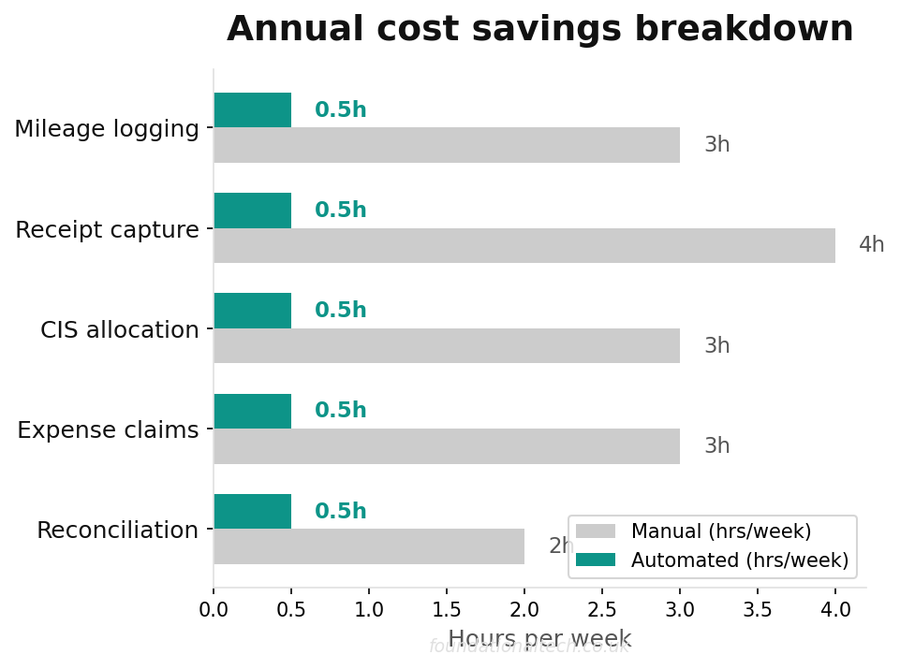
| Task | Manual | Automated |
|---|---|---|
| CIS split calculation | 1 hr/week | Automatic |
| Mileage logging | Paper log | GPS app |
| Receipt filing | Glovebox/shoebox | Phone scan + OCR |
| VAT return prep | 4–6 hours | 30 minutes |
What It Costs
Xero Starter or Standard: £15–£33
Dext (Sole Trader): £24
Mileage tracking app: Free to £5
Total: £45-£66
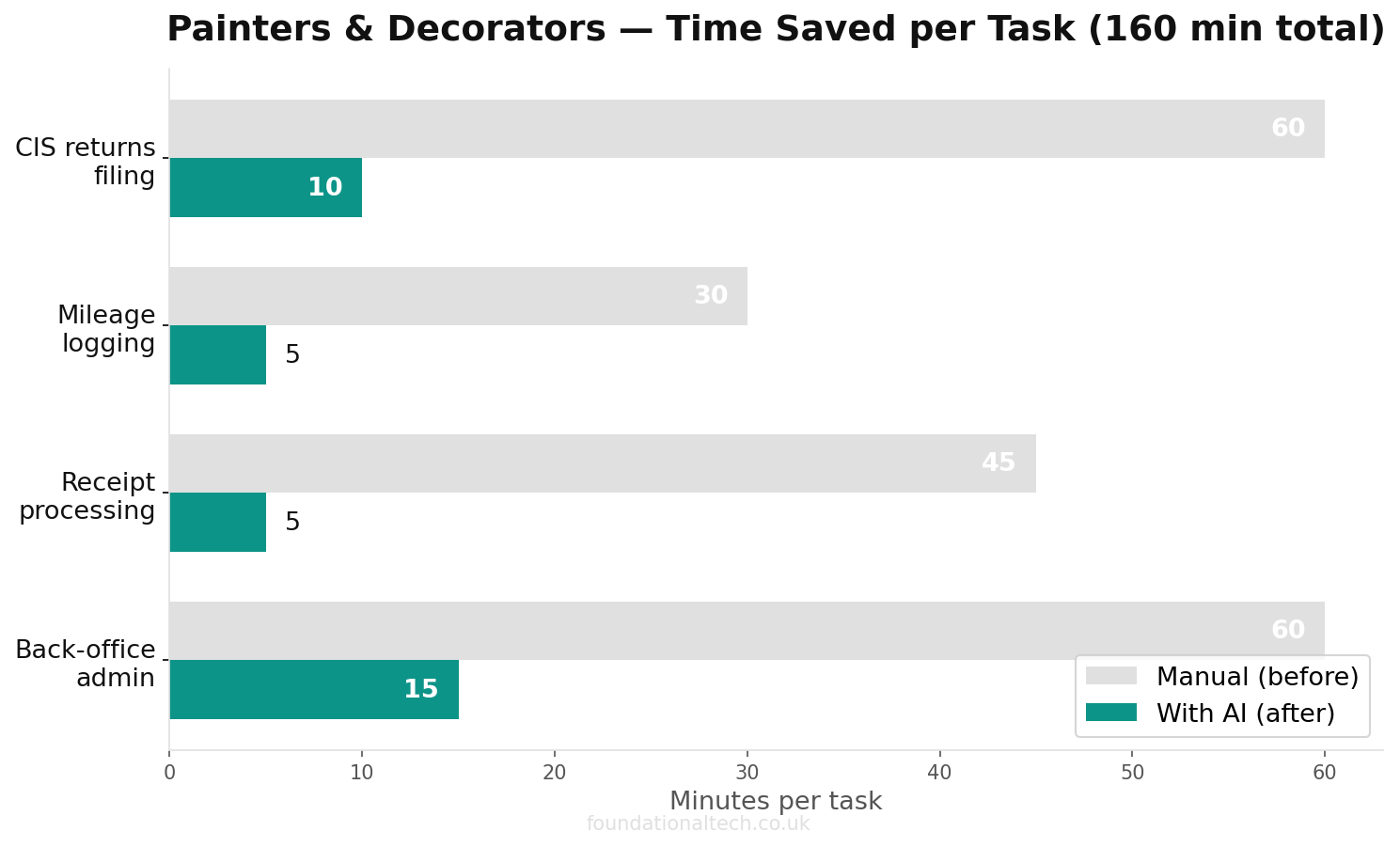
Set against that: one missed CIS distinction that overstates your tax bill by even a few hundred pounds, one quarter of mileage claimed from memory instead of logged (typically a £150-£300 annual underclaim for a decorator covering a wide area), and the VAT quietly lost on a handful of faded till receipts every month. The admin was never free — it was just uncosted. This is the version where it costs roughly £50/month instead of an evening you don't get back.
Related guides: If you found this useful, see our guide on 10 AI Prompts for Painters and Decorators: Copy-and-Paste Templates for Quotes, Colour Advice and Getting Paid (2026) and How to Automate a UK Painting and Decorating Business: The Complete Software Stack for Solo Decorators and Small Teams (2026).
How many trade counter receipts did you collect last month — emulsion, filler, the odd roll of masking tape — and be honest: how many of them made it into your books rather than the bin, the van floor or the wash?
Related reading: The Client Who Loved Her Lounge and Still Forgot to Pay For It.